Offline job record
Work Order Template
Record a request, assign the job, document the work, and close it out. Use the editable Word form for one job or the spreadsheet to track up to 40 jobs and their labor and materials. No account or upload is required.
Download the work order files
Print the PDFs at 100% / Actual Size. The workbook is meant primarily for on-screen, offline tracking; use the PDFs for a controlled paper form.
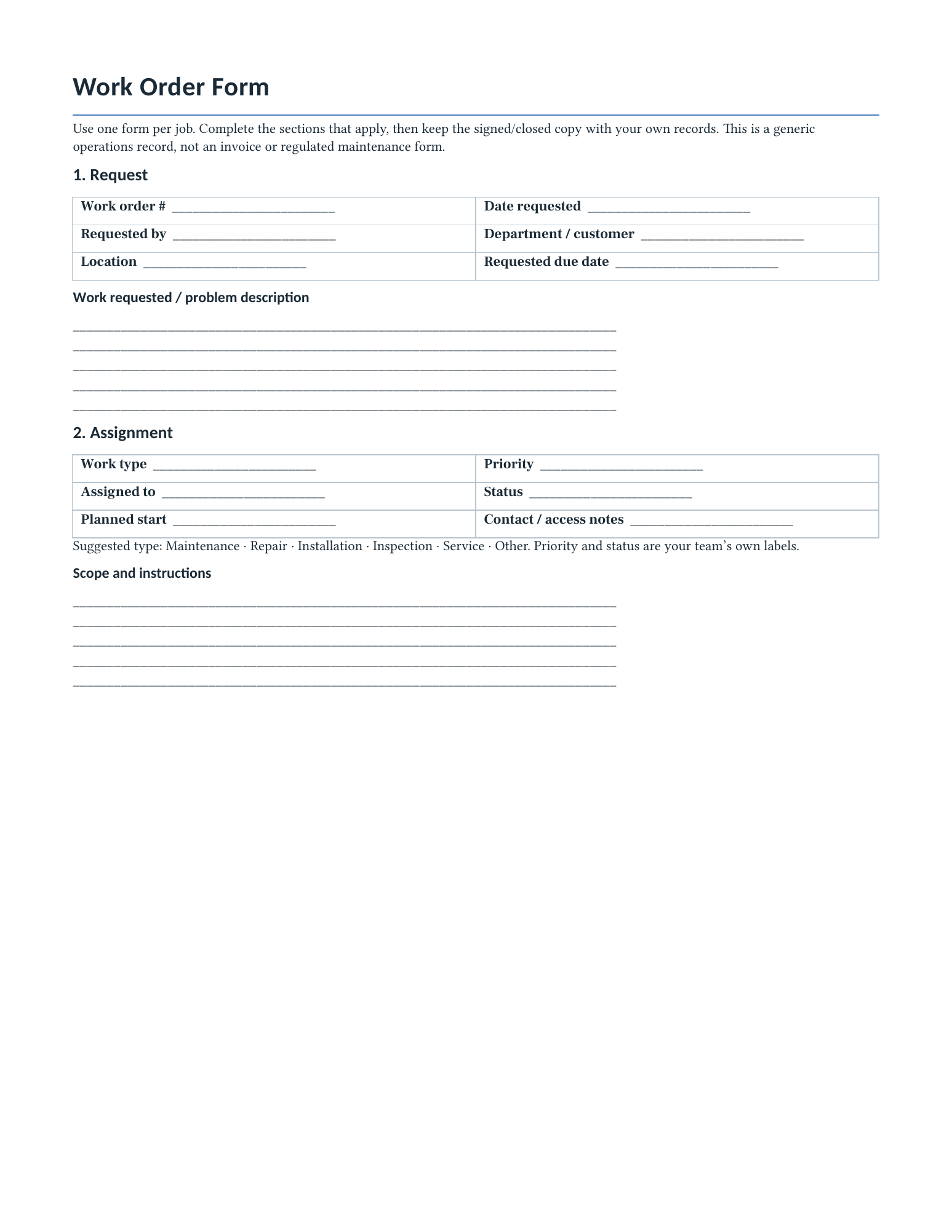
Preview the actual downloads

How to use the form
Give each job a unique work order number. Record the requester, location, requested work, priority, assignee, status, and due date. After the work, note the outcome, labor and materials, follow-up, completion date, and closeout review. The Word file is editable; the PDFs are blank writing forms.
How the register works
Replace the five clearly fictional examples. Enter one job per row on Work Orders. Enter each labor, material, or other cost on Labor & Materials using the same work order number. Each line rounds quantity × rate to cents; the register sums matching lines by type and calculates labor + materials + other. The Summary counts statuses and flags open work with a past due date. Duplicate job IDs and unmatched detail IDs are visibly flagged.
Privacy and limits
This page has no entry form and does not collect work-order details. The downloaded files work offline. The spreadsheet prepares 40 job rows and 120 detail rows; extending it requires copying prepared rows and expanding formula ranges. These are generic operations templates, not an invoice, quote, legal approval, regulated inspection, warranty record, or safety certification. Adapt fields and approvals to your organization.
Related resources
Purchase Order Template · Quote Template · Expense Report Template · Office Forms & Logs