Offline expense tracking
Expense Report Template
Record expenses and organize a reimbursement request or monthly/travel report. Download the editable spreadsheet or print a blank form. No account or upload is required.
Download the templates
Print PDFs at 100% / Actual Size. The workbook is designed for offline editing.
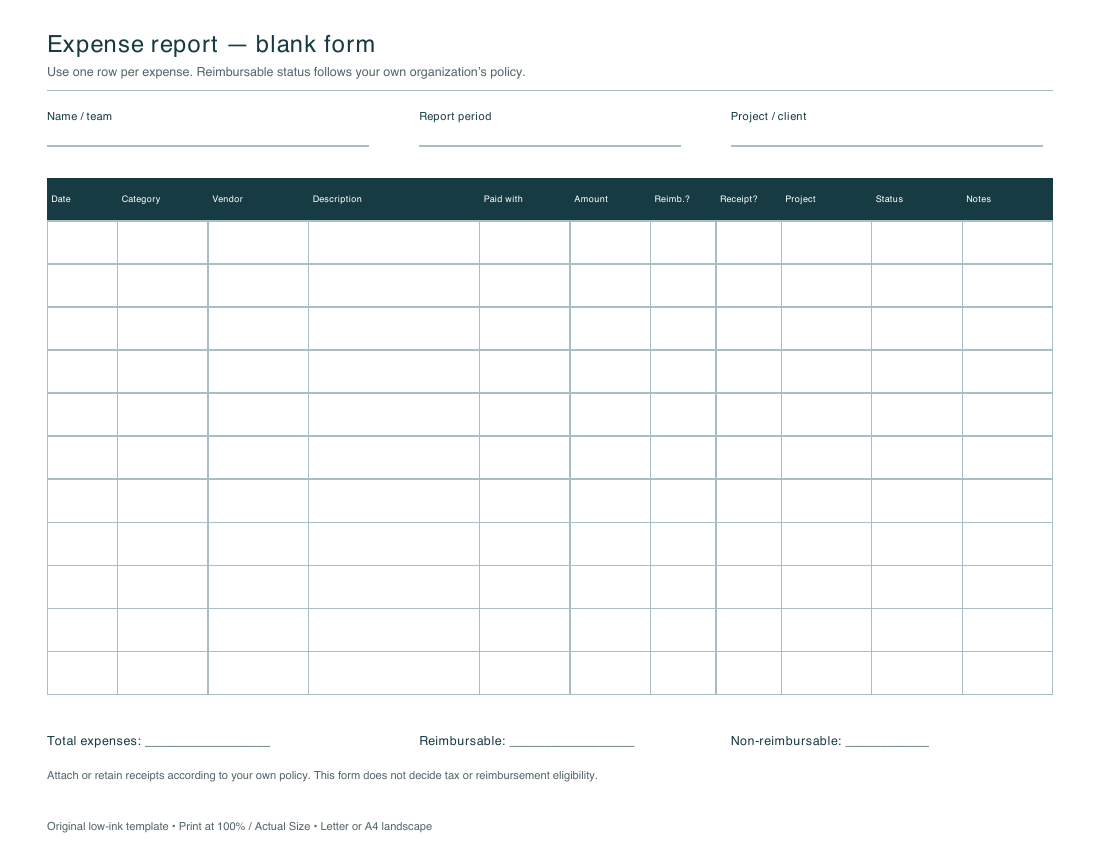
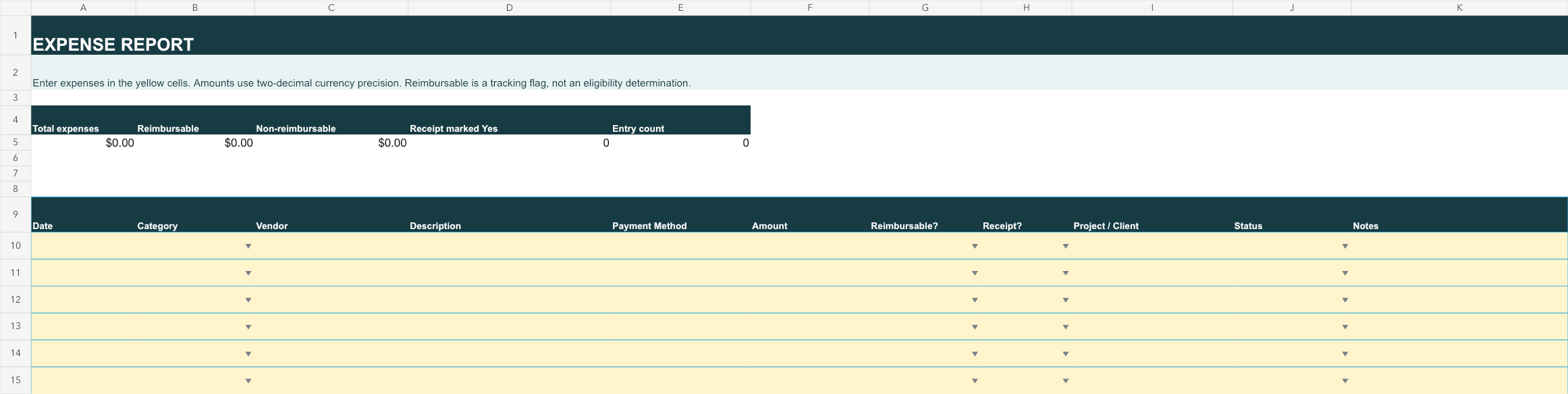
Preview of the actual downloads
How the workbook works
Fill one row per expense: date, category, vendor, description, payment method, amount, reimbursement flag, receipt flag, project/client, status and notes. Total expenses sum all entered amounts. Reimbursable and non-reimbursable totals sum rows explicitly marked Yes and No; unmarked rows remain in the overall total only. Category summaries follow the category labels shown in the workbook. Currency cells display two decimals; formulas round totals to cents.
Privacy and limits
The web page has no form and does not collect expense details. Downloaded files can be used offline. These generic templates do not determine tax deductibility, reimbursement eligibility, accounting treatment or compliance with any policy. Confirm your own organization’s requirements.