Project control workbook
RAID Log Template
Track Risks, Assumptions, Issues, and Dependencies in one consistent master log. The downloadable workbook includes dropdowns, a compact category summary, a fictional completed example, and concise instructions.
Download the RAID log
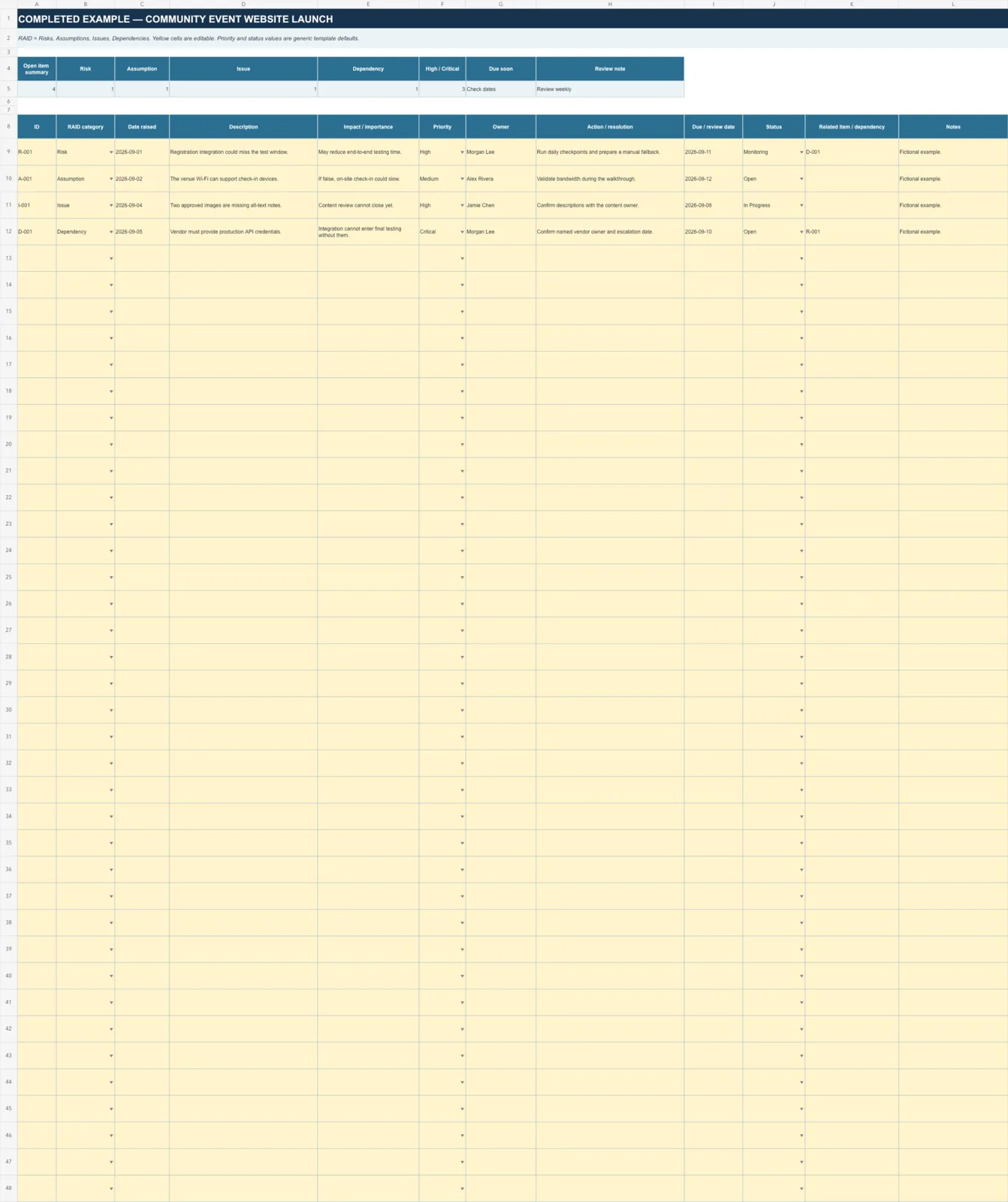
The XLSX contains three worksheets: RAID Log, Completed Example, and Instructions. The master-log approach avoids duplicated category tabs that can drift out of sync.
What RAID means here
- Risk: a possible future event.
- Assumption: something treated as true but not yet verified.
- Issue: a problem happening now.
- Dependency: work, information, or a decision needed from another party.
Useful working fields
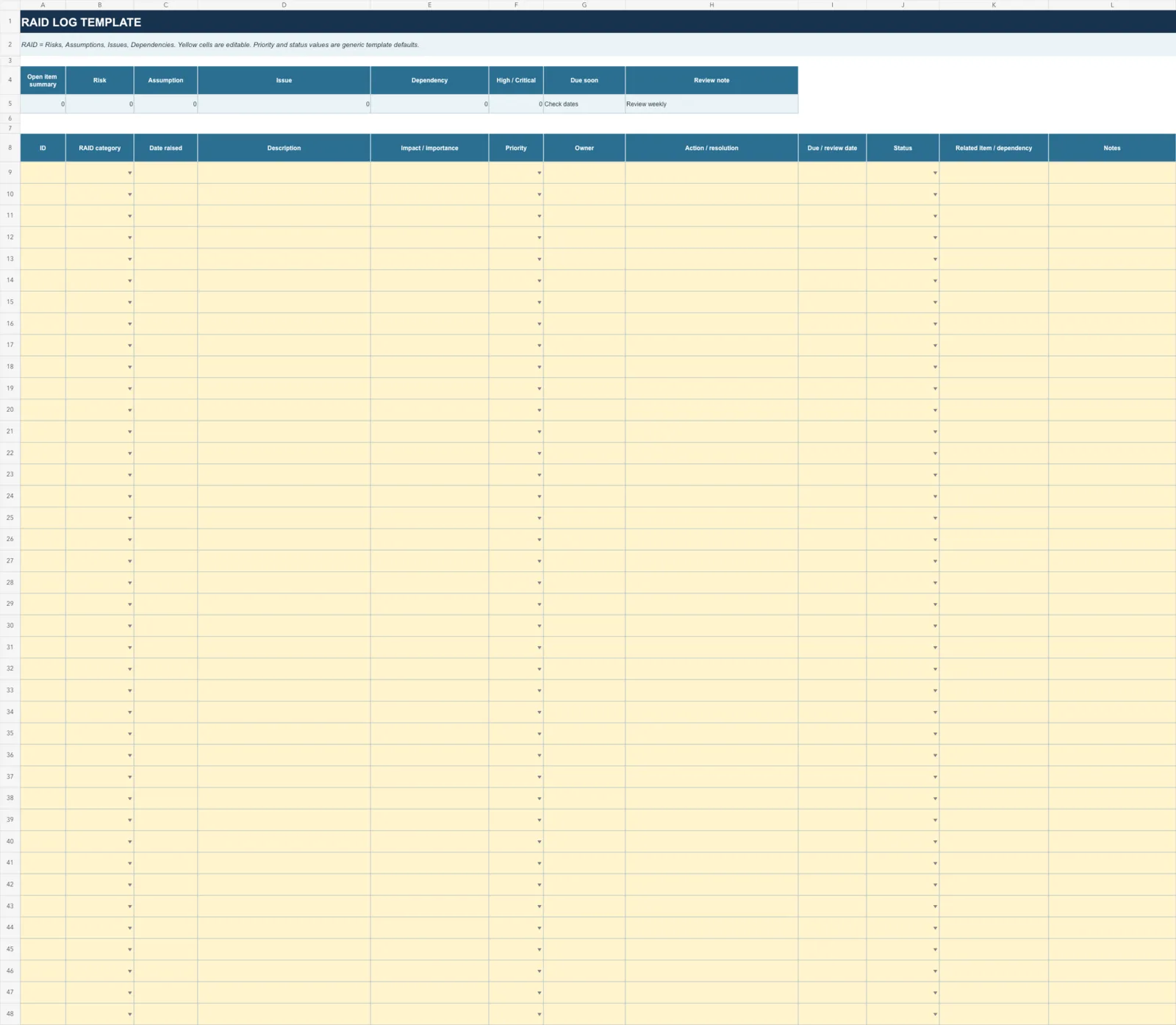
Each row includes an ID, category, date raised, description, impact or importance, priority, owner, action or resolution, due or review date, status, related item, and notes.
Use filters in the workbook when you need an Issue view or another category-specific view.
One source of truth
The workbook uses one master table with category, priority, and status dropdowns. The summary counts Risk, Assumption, Issue, and Dependency entries without creating four separate copies of the data.
How to use the workbook
- Add one item per row and choose its RAID category.
- Describe its project importance and set a priority.
- Name one owner and record the next action or resolution.
- Add a due or review date and update status regularly.
- Use Related item to connect a dependency, issue, or risk by ID.
Related project resources
Use the Risk Register Template for detailed likelihood, impact, mitigation, and residual-risk scoring. Explore more downloads in Project Tools.