Free local graphic tool
Fundraising Thermometer Generator
Turn a goal and received amount into a labeled progress graphic for updates, presentations, or print.
Processing stays in this browser. The surrounding page may load site analytics, but titles, amounts, generated graphics, and downloaded files are not uploaded, placed in URLs, or stored by this tool.
Create a progress graphic
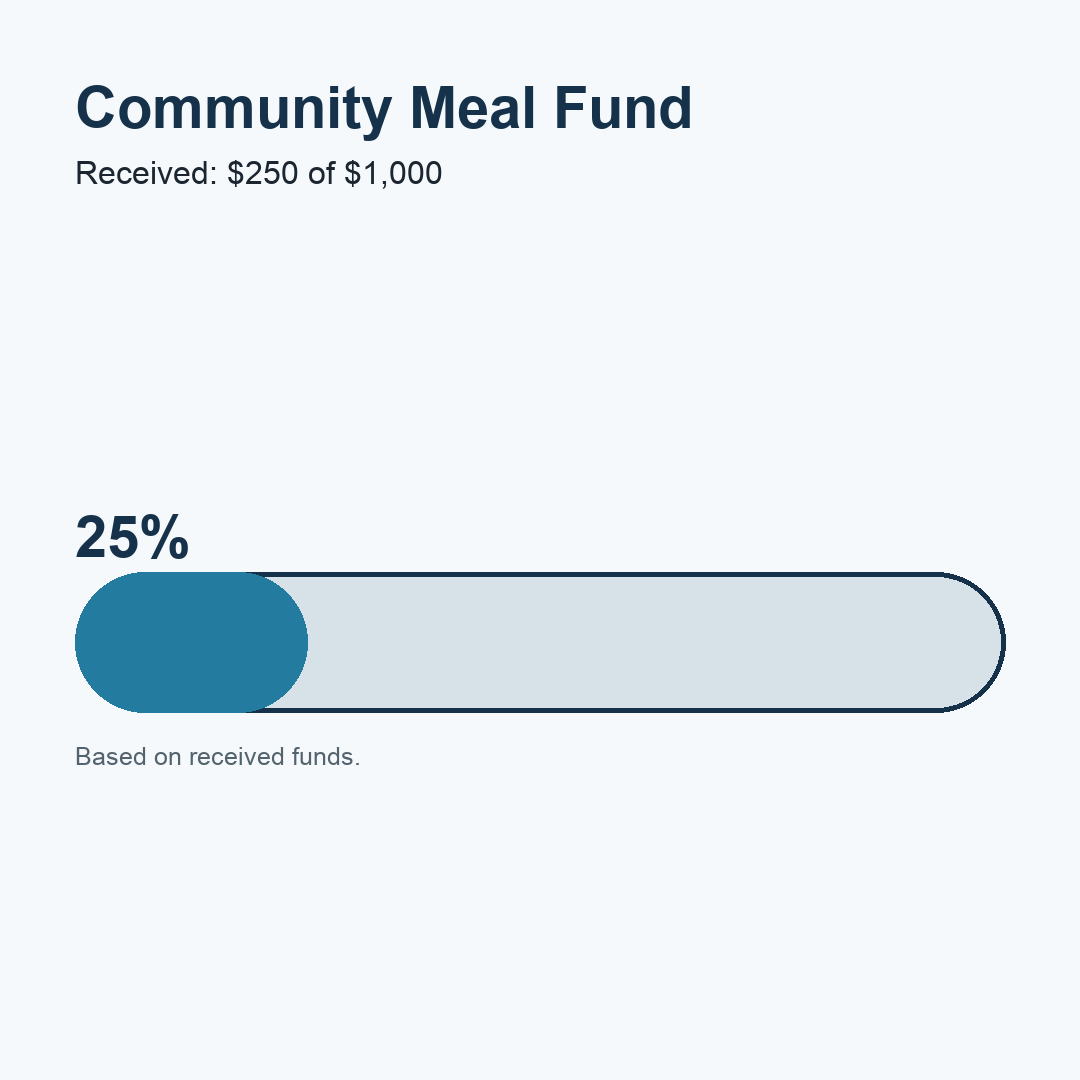
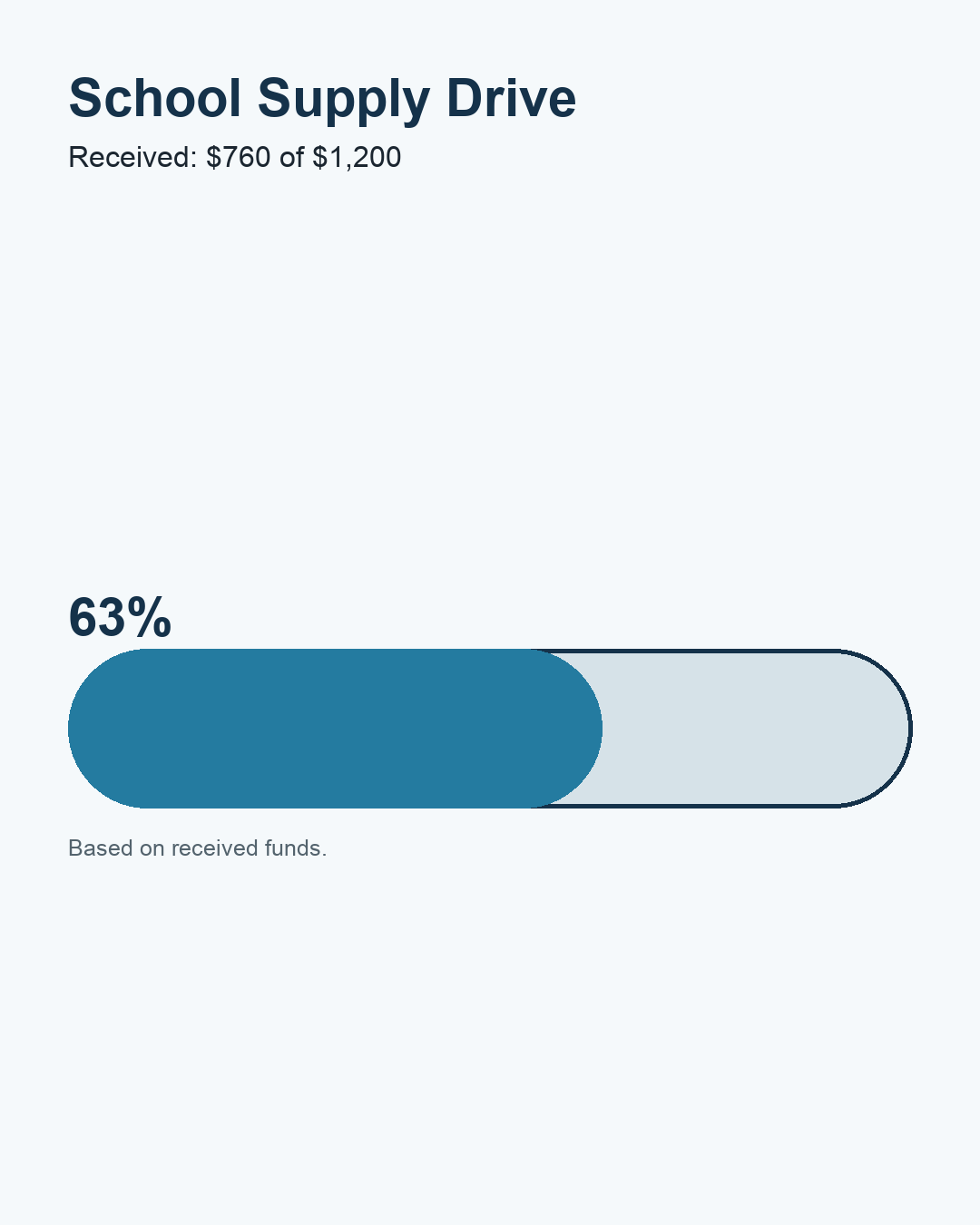
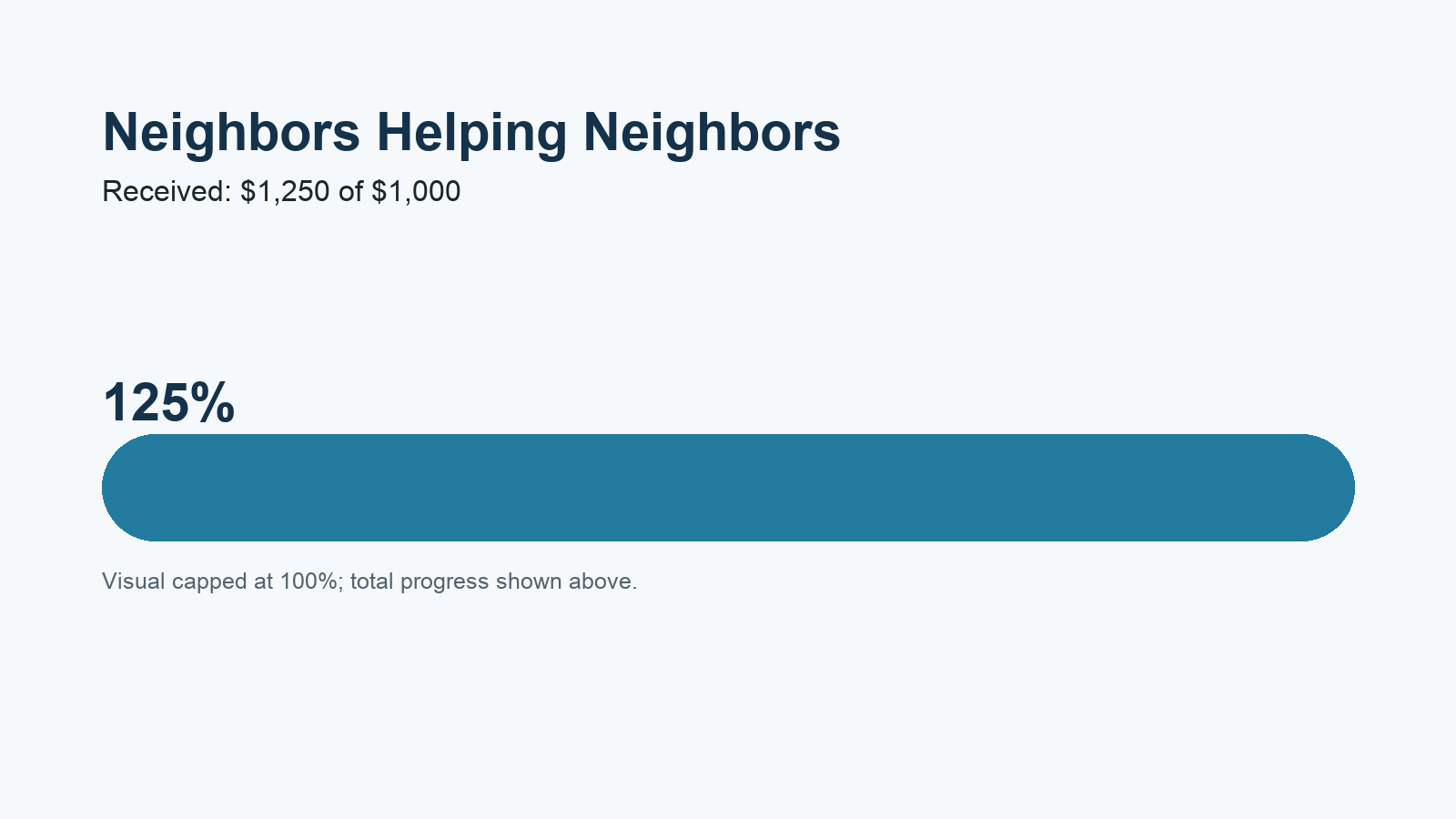
Static examples from the same calculation
Printable blank poster
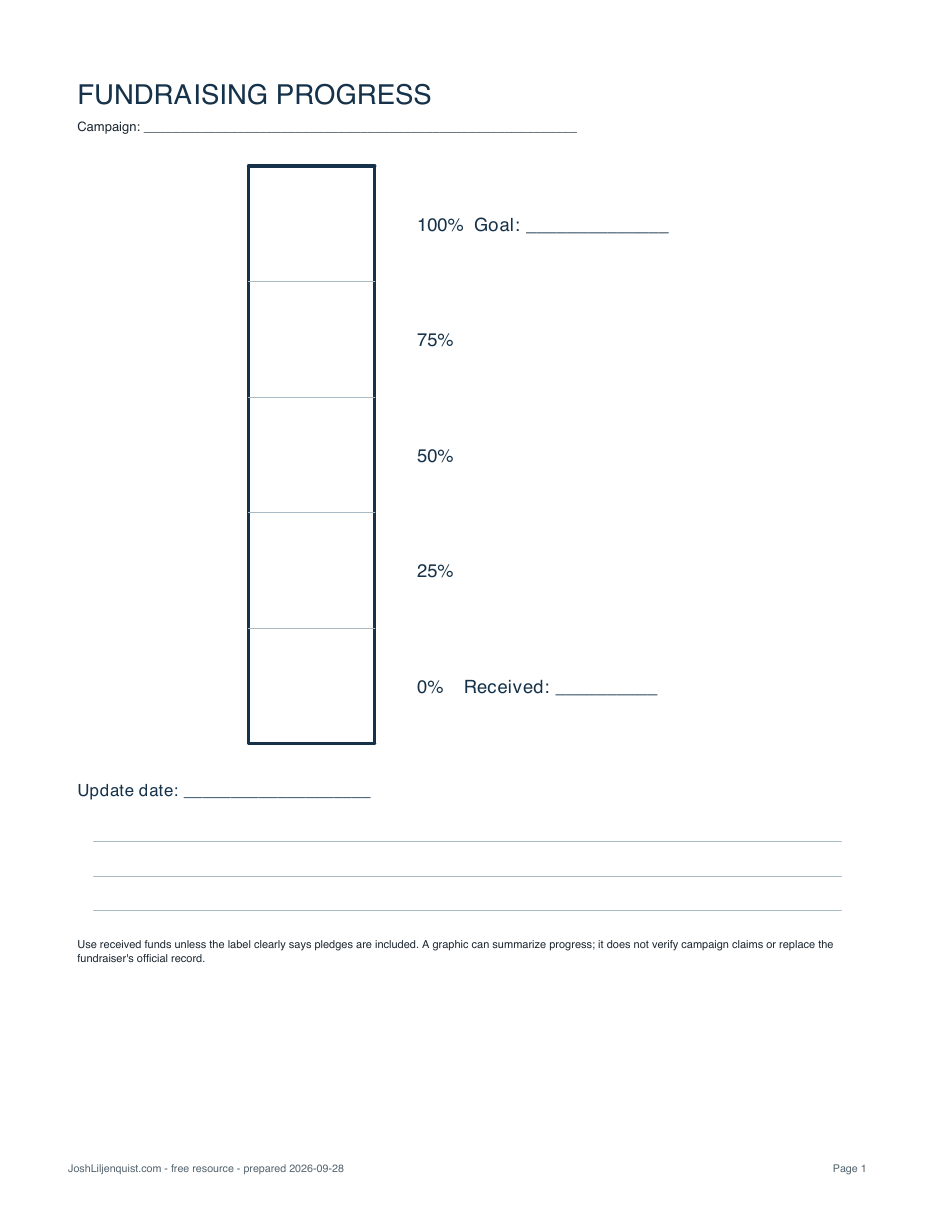
Prefer to update progress by hand? The poster has a five-step vertical tracker, goal and received fields, update date, and notes.
Calculation and limits
Progress is counted amount ÷ goal × 100. Received funds are the default basis. Outstanding pledges are included only when you select that option, and the label changes to say so. The bar stops at 100% while the numeric result can exceed 100%.
A progress graphic summarizes values you enter. It does not verify campaign claims, replace an official fundraiser record, or determine whether pledged funds will be received.